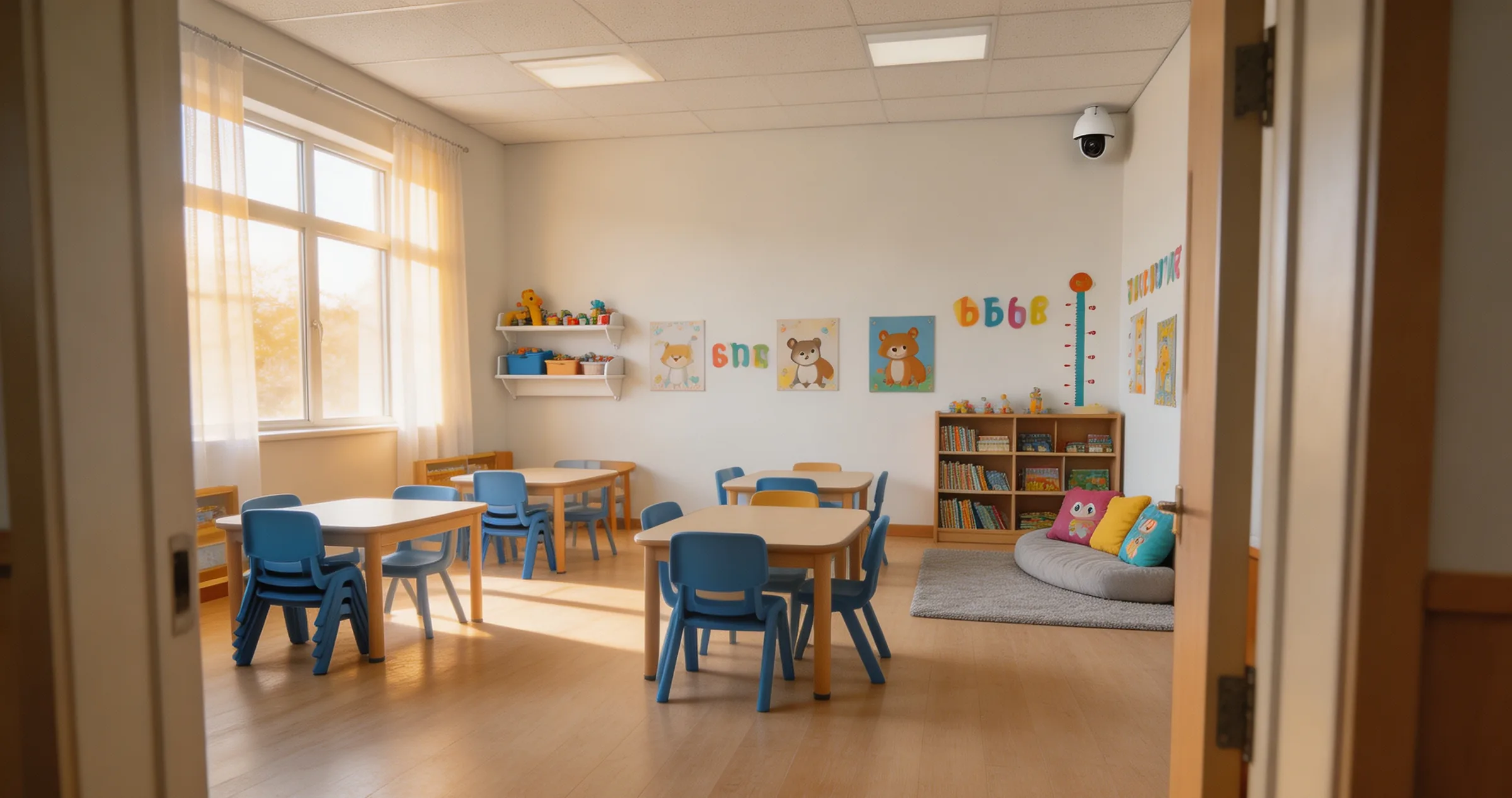
A child falls in your playroom at 10am.
know at 10am, not at 6pm.
SIMIS watches the CCTV your centre already has and alerts your staff within seconds. Nobody hears about it first at pickup.
No facial recognition · Runs on site · Works with your existing CCTV
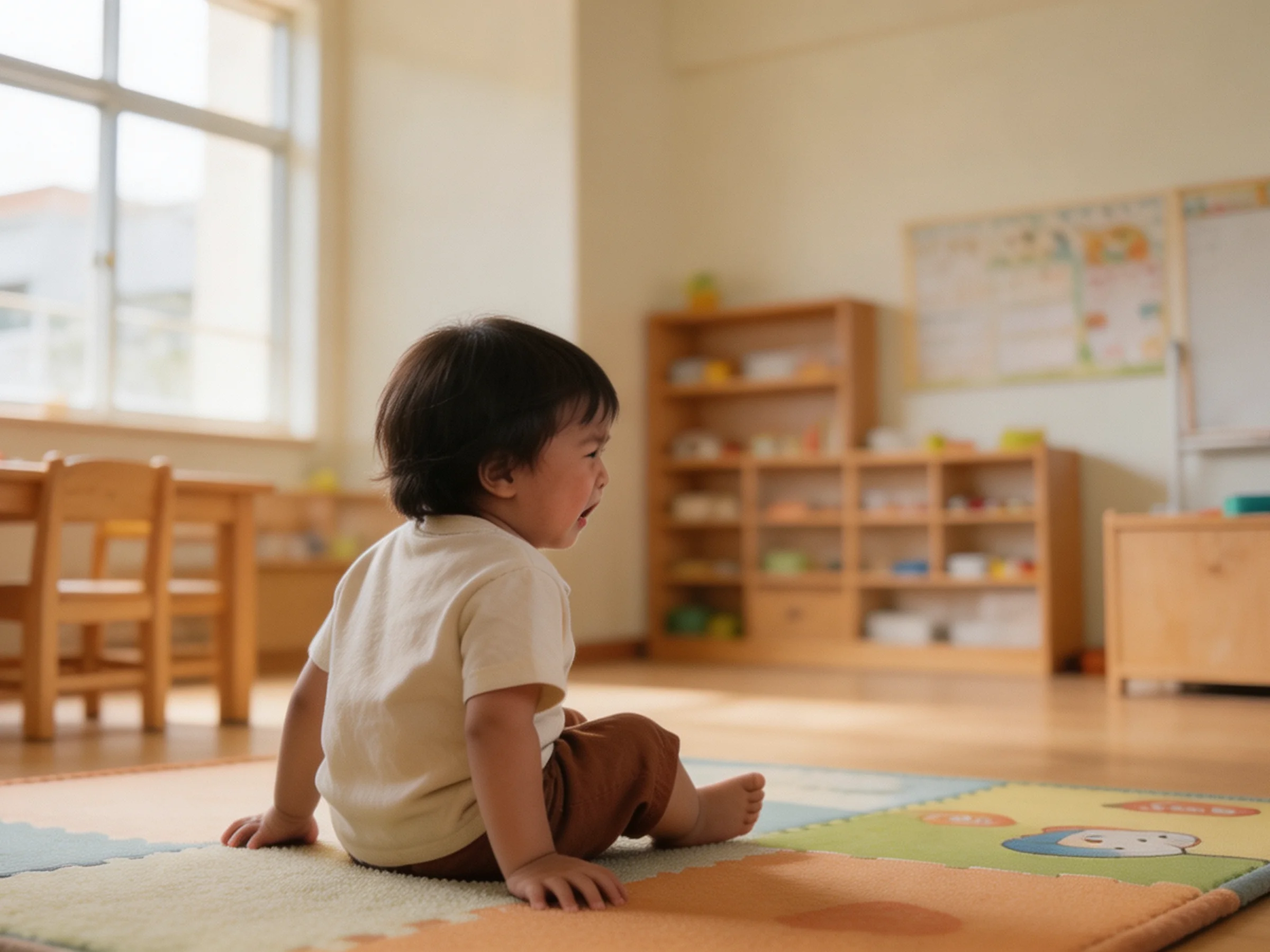
The moment SIMIS is for: flagged in seconds, cleared by a teacher, on record by 10:19.
1st place, AI Singapore Pan-SEA Developer Challenge 2025 · SUTD ARISE Validate, 2026
Every centre has cameras. The problem is what happens after.
Four things principals tell us, in the order they happen.
Noticed late, despite the cameras
The CCTV saw it. Nobody was looking at the CCTV.
Flagged after, not as it happens
Footage is checked once a complaint arrives, never while it matters.
Hours to find the clip
Scrubbing a timeline by hand to find thirty seconds.
An evening to write it up
Then the report, from memory, for a parent who is already upset.
Your CCTV cameras are always recording. Someone still has to go and look.
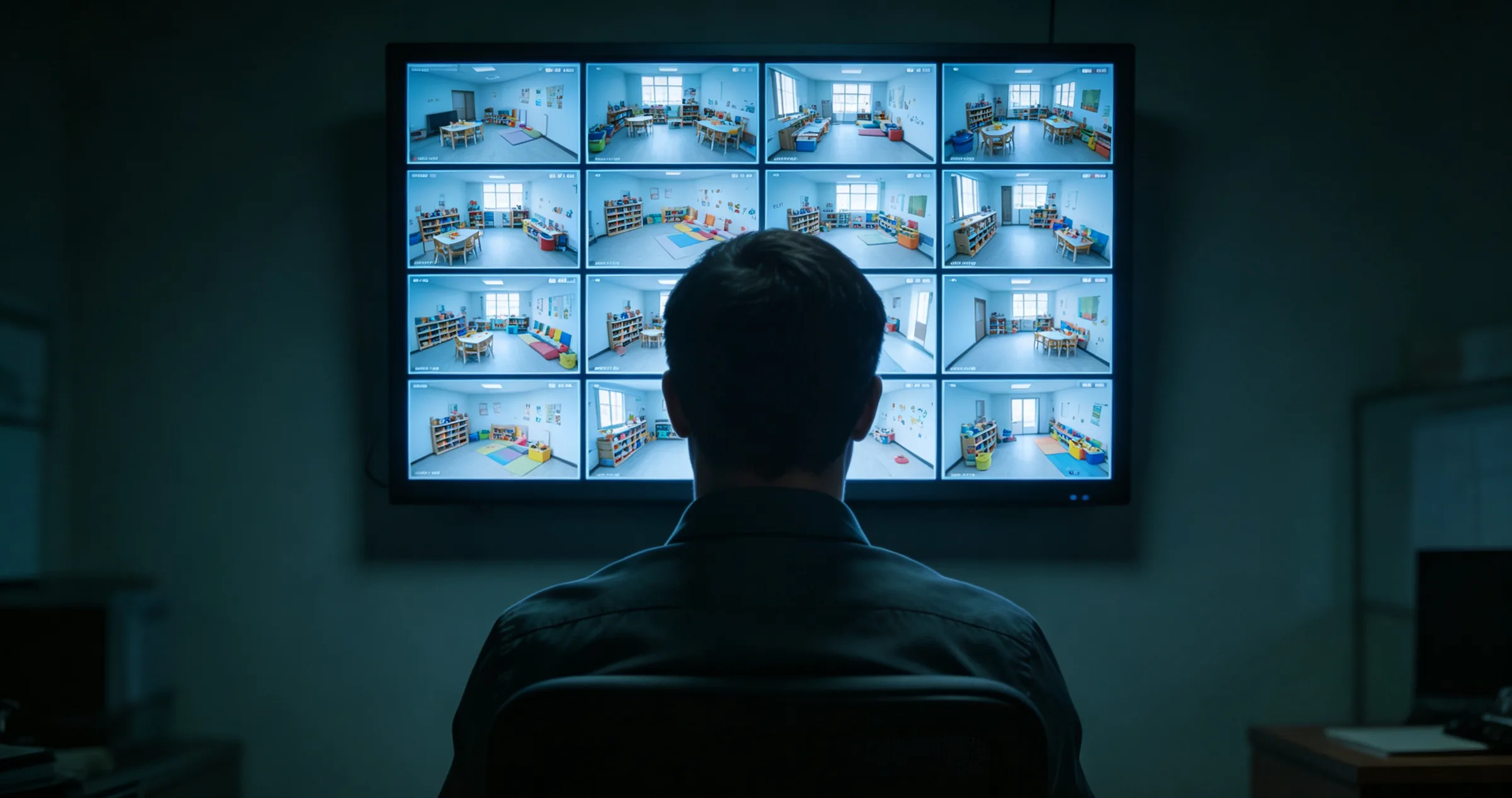
Sixteen rooms, one screen, nobody watching. That is every recorder today.
What happens when something goes wrong
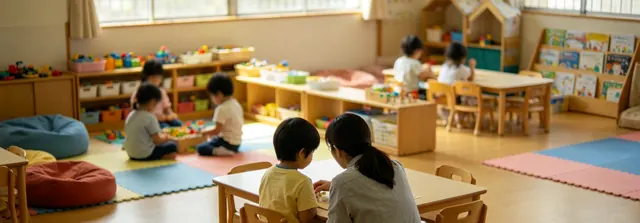
10:14 · Toddler Room · Movement flagged for review
Clip sent to duty phone
Incident report drafted, ready for review by 10:19
What the office sees: your rooms, one flagged moment, the note already started.
Connect
Works with your existing CCTV. Recording carries on as before.
Notice
Checked inside your centre. A fall, a collision, a hit or a kick is flagged.
Review
The duty phone gets a clip and a time. A teacher confirms what happened.
Record
A written note, ready before the parent arrives.
Alerts reach your duty phone in seconds.
On whatever your staff already use: WhatsApp, Telegram, email or a webhook into your own system. No new app, no new habit.
A person always confirms what happened: SIMIS flags, your staff decide.
The incident report, written the same morning.
SIMIS
Little Sprouts Early Learning Centre
18 Jun 2026, 17:42
Incident report: fall
Nursery 2 · 18 Jun 2026, 10:23–10:24
- Type
- Fall
- Severity
- Medium
- Where
- Nursery 2, activity corner
- Flagged
- 10:23 SGT
- Acknowledged
- 10:26 SGT, duty phone
- Status
- Reviewed and closed
What happened
A child fell from standing height in the activity corner. Staff reached her within 3 minutes, first aid was given, and her mother was told at pickup the same day.
Ready before the parent arrives, not three days later.
A confirmed event comes out of SIMIS already written up: the time, the room and what staff did. You correct anything wrong and it is finished.
- In your hands before the parent collects their child
- Plain language, no jargon for you to translate
- Print it, or forward it to a parent as it is
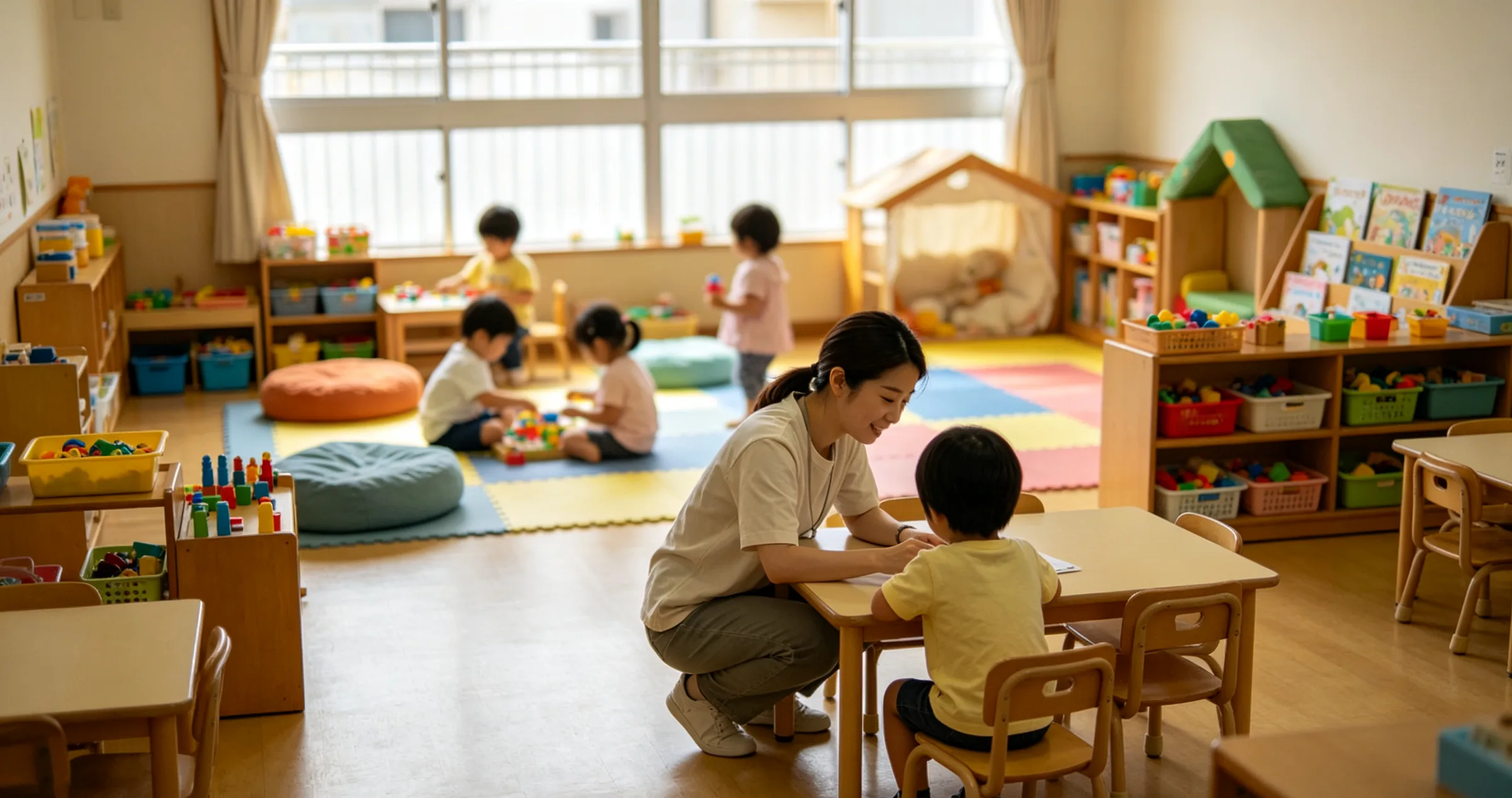
Answers that put parents at ease.
The first parent who asks what you have put in the classroom deserves a straight answer. Here it is.
3 things SIMIS will never do
Identify a child by their face
SIMIS sees a person and a posture, never a name. Identification was never built.
Send video outside your centre
No cloud upload, no remote streaming, no third party in the middle.
Use your footage for anything else
No training on your children’s footage, no sharing, no selling. Clips exist for your incident record and nothing more.
Commitments, not configuration. They are written into the pilot agreement, so you can hand them to a parent or your board as they stand.
No facial recognition
SIMIS sees a person and a posture, never a name. Identification is not a setting; it was never built.
Clips stay in your centre
Only short clips of flagged events are kept, on the unit inside your centre, for as long as your policy says.
Nothing leaves the building
Processing and clips stay on site. No cloud service is added to your PDPA position.
A parent yourself?
A home version of SIMIS is in the works. Leave your email and you will be the first to hear when it is ready for families. There is also a page written for parents.
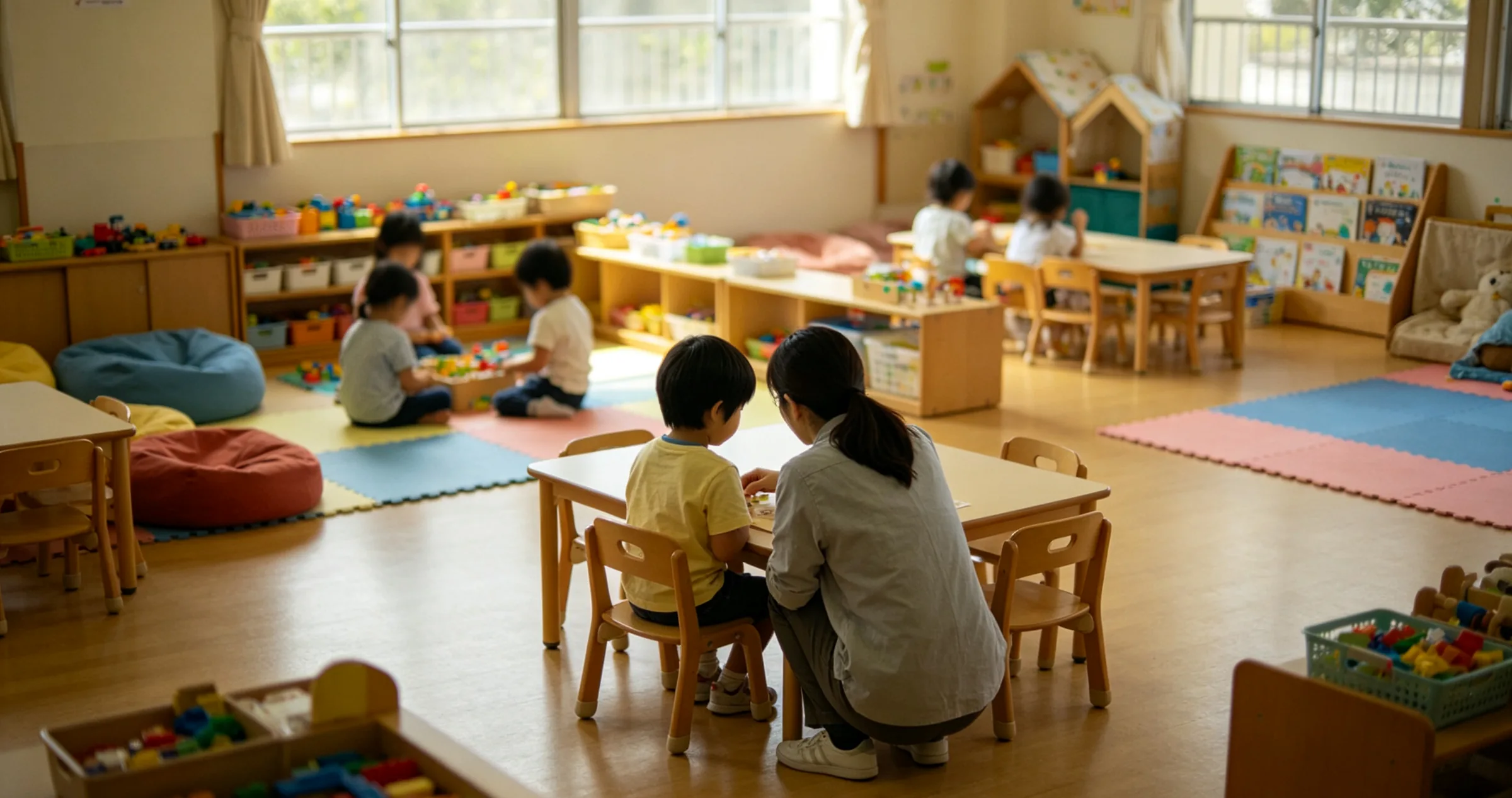
Will SIMIS work with the cameras you already have?
Six questions, an answer on this page. Free, no call, no sales email unless you ask.
Questions we get asked
Do we need to buy new cameras?
No. SIMIS works with the CCTV you already have. Most systems from the last several years are suitable; the compatibility check above tells you in about a minute, and if yours is not suitable we say so.
Does it identify our children by their faces?
No. SIMIS detects that a person is there, where they are facing and how they are moving, so it can tell a fall from a sit-down. It never matches a face to a name, and faces are anonymised in the clips that are kept. There is no facial-recognition setting to switch on; it was never built.
Where does the video go?
It stays in your centre. Your recorder keeps recording as it does today. SIMIS processes the feeds on a small unit on your premises and keeps only short clips of flagged events on that unit, under your retention policy. Nothing is uploaded, streamed off site or stored in a cloud service.
What if it flags something that was nothing?
It will, by design. SIMIS surfaces candidates; your staff confirm or dismiss them in two taps. We would rather show a few extra moments than miss a real one, and every dismissal tunes the system to your centre.
Does this replace our CCTV or our recorder?
No. It runs alongside them. Remove SIMIS tomorrow and your CCTV is exactly as it was.
How much of our time does the pilot take?
About two hours to install, outside centre hours, and one short staff session. After that, reviewing flagged events takes a couple of minutes a day.
How do we explain this to parents?
We give you the words: a parent letter, a notice-board FAQ and a plain-English note on what is and is not captured, written to be handed over as they are.
Book your readiness call
Five pilot centres this year. Thirty minutes on a call, a straight answer on your cameras, then a fixed price in writing the same day.
- 30 minutes, online or at your centre
- A straight answer on your cameras
- A fixed pilot price, in writing, the same day